Visual
LED Screen Rental across India
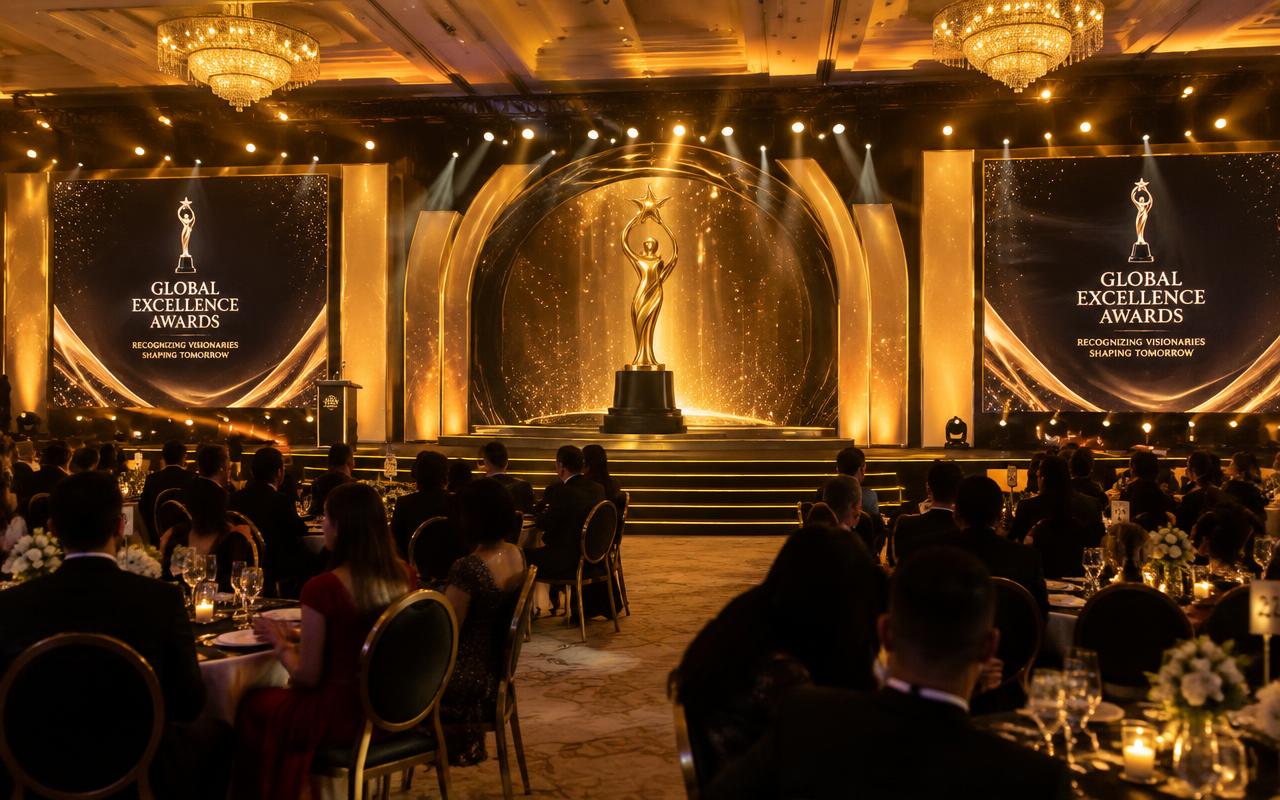
Large-format LED screens and IMAG side screens with switching, so every guest sees speakers, performers and content in crisp detail.
- Lead time
- T-4 weeks
- Category
- Visual
- Coverage
- 90+ Indian cities
Key takeaway
How we deliver LED screen rental
IMAG — image magnification — exists for one reason: so the person in row forty can read a face. The brief is visibility and legibility, not scenic design. Screen size comes from the furthest viewer: a usable rule is that text height on screen should be at least one fiftieth of the viewing distance for comfortable reading, which pushes side screens on a long ground to six metres wide and upward. Standard 16:9 formats are the right choice here, because content is a live camera cut and a presentation deck, both of which already live in that aspect and should never be letterboxed or stretched to fit a creative canvas.
Delay screens handle depth. Beyond roughly 70 to 80 metres from the stage, a main screen is too small to read regardless of how bright it is, so we place additional screens down the audience on their own structures. These need their own power, their own signal path — usually fibre or a long-haul SDI run rather than copper HDMI — and a decision about whether to delay the video to match the delayed audio at that position. For speech-led events we generally keep video aligned to the audio arriving at that spot, because lip-sync error reads as a fault far faster than absolute latency does.
The switching layer is what distinguishes a working IMAG setup from a wall with a camera plugged in. A video switcher takes camera inputs, presentation machines, playback and remote feeds, and produces a programme cut plus separate outputs for the screens, the stage confidence monitors and any stream. Scaling is handled once, cleanly, at the switcher rather than panel-side. For outdoor daylight, screens need 5,000 nits or more, and mobile LED trucks are often the fastest way to deliver a large daylight-bright surface on a site with no rigging and a short build window.
What you get
- Side IMAG screens
- Outdoor daylight-bright screens
- Video switching & playback
- Mobile LED trucks
Equipment we carry
Ideal for
Specification
LED Screen Rental: technical specification
| Specification | Detail |
|---|---|
| Typical pitch | P2.6 – P3.9 indoor IMAG, P4.8 – P10 outdoor and delay positions |
| Legibility rule | On-screen text height at least 1/50th of the furthest viewing distance |
| Standard formats | 16:9 at 1920 x 1080 or 3840 x 2160 native, avoiding non-standard canvases |
| Delay screen spacing | Additional positions beyond 70 – 80 m of audience depth |
| Outdoor brightness | 5,000 nits minimum for daylight, 7,500 nits in direct sun |
| Switching | Barco E2/E3, Roland or ATEM with scaling handled once at the switcher |
| Long-haul signal | Fibre or 12G-SDI to delay positions, never long copper HDMI |
| Lip-sync handling | Video delayed to match audio arrival at each screen position |
| Mobile LED | Trailer-mounted 15 – 40 sq m daylight screens, hydraulic deploy in under two hours |
Sizing
What size rig does your event actually need?
| Scale | Guests | Recommended setup |
|---|---|---|
| Seminar room | 100 – 300 | One 4 m x 2.25 m screen at P2.6, furthest viewer under 20 m |
| Conference hall | 500 – 1,200 | 6 m x 3.4 m centre plus two 3 m side IMAG screens, four-input switcher |
| Arena floor | 2,000 – 8,000 | Two 8 m x 4.5 m side screens at P3.9, flown, four-camera IMAG |
| Open ground | 10,000 – 25,000 | Two 10 m main screens at 5,000+ nits plus two delay positions at 80 m and 160 m |
| Stadium screening | 30,000 – 50,000+ | Four daylight screens or mobile LED trucks on the bowl perimeter, fibre fed |
Scope
LED Screen Rental scope tiers
Single IMAG Screen
Conferences and AGMs up to 800 seats
- One 6 m x 3.4 m 16:9 screen at P3.9, ground-stacked
- Switcher with two camera inputs and two presentation machines
- Confidence monitor feed for the stage
- Vision mixer operator and an LED technician
- Spare panels, cards and a backup playback machine
Side Screen Pair
Large conferences, concerts and award nights, 1,500 – 6,000 guests
- Two flanking IMAG screens plus a centre presentation surface
- Multi-input switcher with programme, screen and stream outputs
- Three to four camera inputs with IMAG cutting
- Independent scaling per output so the stage feed stays clean
- Vision mixer, LED technician, rigger and a camera liaison
Daylight & Delay Array
Outdoor grounds, sports screenings and mass gatherings, 10,000 – 50,000+
- Main daylight-bright screens plus two to four delay positions
- Fibre signal distribution with redundancy to each position
- Per-position video delay matched to the audio arrival time
- Mobile LED trucks where rigging or build time is restricted
- Crew per position plus a central vision control
Crew
Who turns up on show day
- Vision mixer
Cuts the IMAG programme live from cameras and presentation sources, and protects the stage feed from screen-side changes.
- LED technician
Builds and maps each screen, verifies brightness against ambient light and holds spares for every position.
- Signal engineer
Runs fibre or SDI to every screen and delay position, proves the paths and sets per-position video delay.
- Presentation operator
Receives, versions and cues decks and video, and keeps a mirrored backup machine one slide behind.
- Delay position technician
Builds, powers and monitors a remote screen, and holds position in case signal or power drops.
What you receive
- Sightline study showing screen sizes against furthest viewer distances
- Switcher input and output map with the full signal route
- Presentation standards document for every presenter
- Per-position video delay sheet matched to audio arrival times
- Brightness and colour match record across all screen positions
- Programme recording of the IMAG cut as actually shown
Timeline
From enquiry to load-out
- T-4 weeks
Sightline study
Furthest-viewer distance and audience spread set screen sizes, positions and whether delay screens are needed.
- T-3 weeks
Signal plan
Switcher input list, output map, cable route and fibre requirement drawn for every screen position.
- T-2 weeks
Content standards issued
Deck aspect ratio, safe title area, minimum font size and frame rate sent to every presenter and the content team.
- Show day −1
Build and signal proving
Screens built, every signal path tested end to end, per-position delay set and brightness matched across positions.
- Show day, T-4 hours
Rehearsal
Camera IMAG rehearsed, deck transitions walked through, backup playback machine proved under a live switch.
- Show day to +4 hours
Show and strike
Operated live with spares on hand; delay positions struck first because they are furthest from the trucks.
Risk control
What goes wrong, and how we stop it
What can go wrong
How we prevent it
- What can go wrong
A presenter's deck is 4:3 or uses 12 pt body text and is illegible from row twenty.
How we prevent itPresentation standards go out at T-2 weeks with aspect ratio, safe area and minimum font size, and we re-format decks on site rather than show something nobody can read.
- What can go wrong
IMAG video arrives before the delayed audio at a far position and lip-sync looks broken.
How we prevent itEach screen position gets its own video delay, measured against the audio arrival time at that exact spot during the build.
- What can go wrong
A long copper HDMI run to a delay screen works at build and drops out when the sun hits the cable.
How we prevent itAnything beyond about 20 m runs on fibre or 12G-SDI with a tested redundant path, and copper HDMI stays inside the rack.
- What can go wrong
The outdoor screen is unreadable by mid-afternoon because it was specified at indoor brightness.
How we prevent itDaylight positions are specified at 5,000 nits minimum, 7,500 in direct sun, and we check the sun path for the actual show hours at the survey stage.
- What can go wrong
The backup playback machine is a slide behind when the primary fails during a live cut.
How we prevent itMirrored machines are advanced together by the operator and tested with a live failover during rehearsal, not assumed to work.
- What can go wrong
Side screens are hung where the stage lighting rig blocks sightlines from the flanks.
How we prevent itScreen positions are set against the lighting plot and the seating plan together, with a physical sightline walk before panels go up.
Honest comparison
Is this the right choice for your event?
- Projection screens instead of LED for IMAGOur verdict
In a darkened hall with controlled ambient light, projection delivers a larger image per rupee and is perfectly adequate. In any lit room, outdoors, or where a presenter stands near the surface, LED is the only reliable answer.
- One large centre screen instead of a side screen pairOur verdict
A centre screen is cheaper and simpler, and right when the content is a deck. For IMAG it fights the stage for attention and leaves the flanks with poor sightlines — side screens serve a wide audience better.
- Adding delay screens versus making the main screens biggerOur verdict
Bigger main screens help up to a point, then the limiting factor becomes angular size at distance. Past 70 to 80 metres a delay position is cheaper and far more effective than another two metres of main screen width.
- A mobile LED truck instead of a built screenOur verdict
For a short build window, a site with no rigging, or a one-day outdoor screening, the truck is faster and often cheaper all-in. Built screens win on size flexibility, positioning and on looking like part of a set.
Process
How we deliver
01
Brief & recce
We visit the venue, map power and rigging, and understand your show flow.
02
Design & quote
CAD plans, 3D previews and an itemised quote within 24 hours.
03
Build & rehearse
Load-in, system tuning, content checks and full technical rehearsal.
04
Show & strike
Show-caller-led execution, then a quick, clean load-out.
Locations
LED Screen Rental by city
Tier 1 metros
Tier 2 cities
FAQ