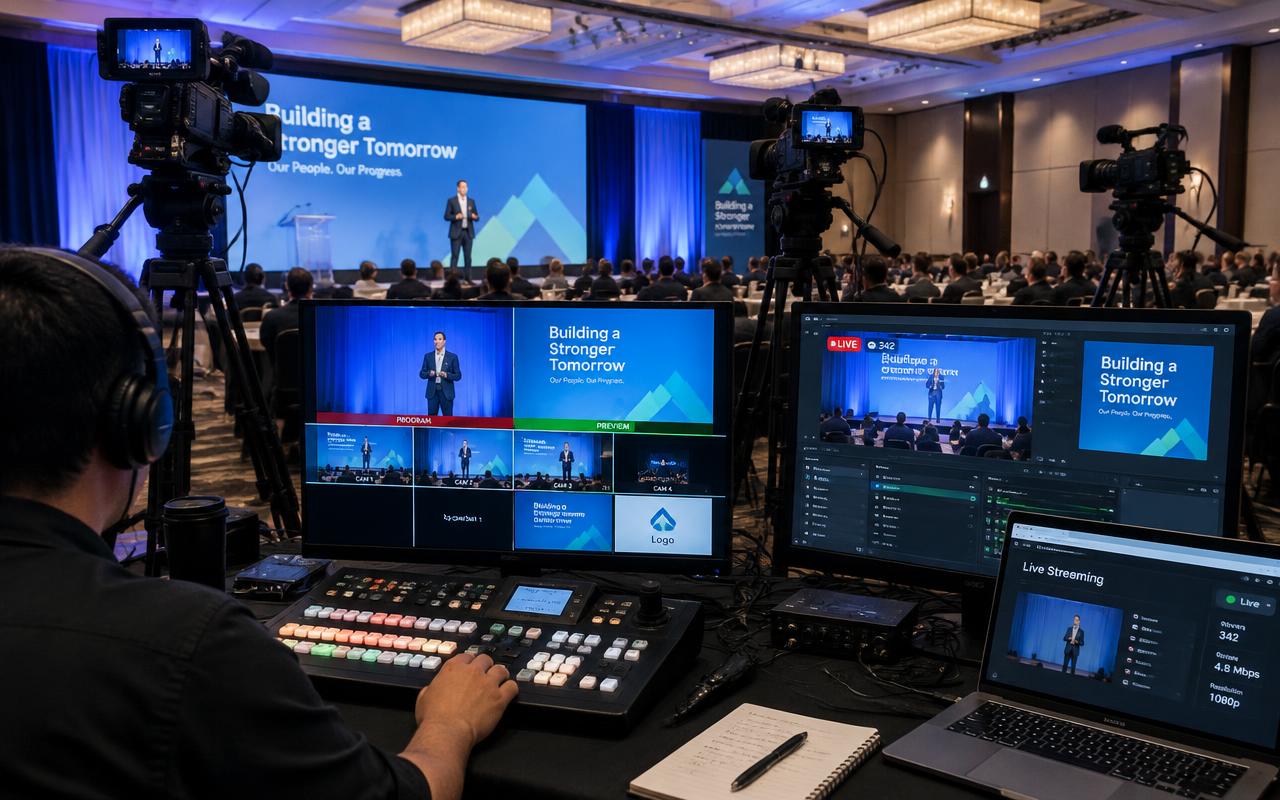
Key takeaway
Key takeaways
- Exact models, not categories, on the equipment list
- Spares for anything that would stop the show
- Power sanction plus generator changeover confirmed
- One named show-caller holding the cue sheet
Live Streaming & Webcasting: pre-show checklist
Equipment & specification
- Switching confirmed: vMix, NewTek TriCaster or Blackmagic ATEM with graphics and playback
- Camera count confirmed: 3 – 12 sources including PTZ, manned cameras and presentation feeds
- Bitrate budget confirmed: 8 – 12 Mbps stable upstream for 1080p50, with headroom above the encode rate
- Primary connectivity confirmed: Venue leased line or dedicated fibre with a static route
- Backup connectivity confirmed: Bonded cellular aggregating multiple carrier SIMs (LiveU, Teradek)
- Itemised list naming exact models, not categories
- Spares for mics, cables, processors and any single point of failure
Power & safety
- Venue sanctioned load confirmed in writing against the rig's draw
- Silent generator sized with automatic changeover
- Earthing check completed and logged
- Rigging certification and load calculations signed off
- Cable covers on every walkway and crowd line
People
- Technical producer named and briefed
- Vision mixer named and briefed
- Stream engineer named and briefed
- Graphics operator named and briefed
- Audio engineer for stream named and briefed
- Camera operator named and briefed
Timings
- Load-in slot agreed with the venue in writing
- Sound check and line check scheduled
- Full technical rehearsal booked with real presenters and real content
- Venue curfew and strike window confirmed
Content & handover
- Full-quality local programme recording independent of the stream
- Per-session recordings cut to the running order
- Graphics package files as used, including lower-thirds and slates
- Stream health report covering bitrate, dropped frames and any failover event
- All video, audio and slides delivered 72 hours ahead in the agreed format
What this checklist is protecting you from
What can go wrong
How we prevent it
- What can go wrong
The venue Wi-Fi tested fine at 9 am and collapses when two thousand delegates arrive.
How we prevent itThe stream never runs on shared Wi-Fi. A wired leased line is primary, bonded cellular across multiple carriers is the backup, and the failover is proved by physically pulling the primary path during the build.
- What can go wrong
Audio is taken from a camera microphone and the stream sounds like a room recording.
How we prevent itA clean mix comes from the audio console on a dedicated output, metered to broadcast loudness, with the stream engineer monitoring it on headphones separately from the room.
- What can go wrong
The switcher programme output looks perfect while the public stream has been down for ten minutes.
How we prevent itA confidence monitor plays the actual public stream from an independent connection, so platform-side failures are visible immediately rather than reported by a viewer.
- What can go wrong
Full-screen slides run for twenty minutes and online viewers drop off.
How we prevent itContent is composited beside the speaker rather than cut full-screen for long stretches, and the vision mixer is briefed to cut more often than the room would require.
- What can go wrong
A single encoder machine crashes and the stream ends mid-keynote.
How we prevent itTwo independent encoders run in parallel to mirrored destinations, so recovery is a switch at the platform rather than a restart of the chain.
- What can go wrong
Lower-thirds carry a misspelled name or an outdated job title in front of thousands of viewers.
How we prevent itNames and titles are verified against the final running order at T-2 weeks and re-checked at rehearsal, with the graphics operator holding a single source of truth.
Want this tailored to your event?
Get an itemised quote from Prime AV Solutions within 24 hours — call +91 93093 80958 or WhatsApp our producers.
Published 28 March 2026 by the Prime AV Solutions production team.