Key takeaway
Key takeaways
- T-6 weeks: Brief and look direction
- T-4 weeks: Plot issue
- T-2 weeks: Previsualisation and look build
- Show day −1: Load-in and focus
How stage lighting design is actually delivered
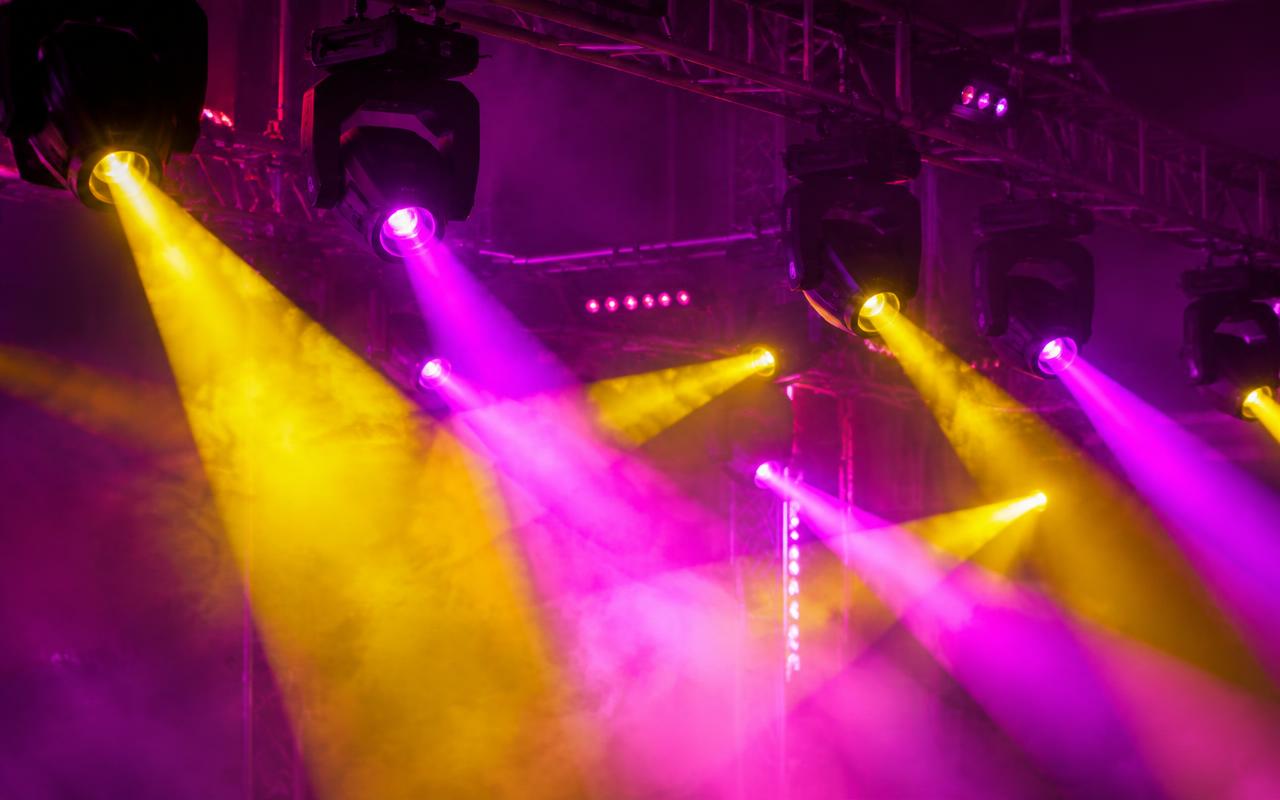
Lighting design is a drawing and a cue stack, not a fixture list. The designer starts from the running order and the stage geometry, then builds a plot in Vectorworks or WYSIWYG: every fixture positioned, angled, addressed and assigned to a purpose — key light for faces, backlight for separation, side light for shape, specials for the lectern and the award table. Previsualisation in grandMA3's 3D engine or Capture lets the designer build and refine looks before any truss is hung, which is what turns a one-day load-in into a programming session rather than a scramble. The plot includes DMX universes, data paths and a power schedule per circuit.
From enquiry to load-out
- T-6 weeks
Brief and look direction
Running order, stage design, camera plan and reference imagery reviewed so the design serves the actual show, not a generic concert look.
- T-4 weeks
Plot issue
Fixture plot, truss positions, universe allocation, data paths and the power schedule issued to rigging and the venue.
- T-2 weeks
Previsualisation and look build
Looks built and reviewed in a 3D previs session, with renders shared so the client sees the design before it exists.
- Show day −1
Load-in and focus
Rig hung, addressed and focused, then a programming session on the actual stage with the actual set.
- Show day, T-6 hours
Technical and dress rehearsal
Cue-to-cue through the running order, timecode verified, camera levels agreed with the vision engineer.
- Show day to +4 hours
Show and strike
Show operated live from the stack, then the rig struck in truss order with show files backed up before power down.
Who is on site
- Lighting designer
Owns the plot, the looks and the visual intent, and answers to the client for how the show reads on the night and on camera.
- Programmer
Builds the cue stack, groups, palettes and executors, and sets every fade time against the running order.
- Console operator
Runs the show live, busks the unplanned moments and holds the timecode chase in and out of segments.
- Network and data technician
Builds the sACN network, allocates universes, patches every fixture and traces any data fault during the run.
- Followspot operator
Tracks performers and presenters on cue from the operator, with dedicated comms and a marked seating reference.
- Atmospherics technician
Manages haze density against camera contrast and fire-panel thresholds, and fires CO2 and fog cues.
What you should receive
Deliverables
- Fixture plot with positions, angles, addresses and purposes
- Universe and data path allocation diagram
- Previsualisation renders of the key looks
- Cue sheet mapped to the running order with fade times
- Console show file backed up to two drives and handed over
- Power schedule per circuit with phase balance
- As-run cue notes recording any live changes made on the night
What we plan around
What can go wrong
How we prevent it
- What can go wrong
The design looks beautiful to the eye and unusable on camera — faces in shadow, contrast too hard.
How we prevent itKey levels and colour temperature are agreed with the vision engineer at the design stage and verified under camera at rehearsal, with the rig balanced to the camera rather than to the room.
- What can go wrong
Haze triggers the venue's smoke detection and clears the hall during the show.
How we prevent itFire-panel isolation or zone bypass is arranged in writing with the venue, haze density is set with the panel supervised, and a water-based hazer is used rather than oil-based fog indoors.
- What can go wrong
Programming time is lost because the rig is not focused until two hours before doors.
How we prevent itLooks are built in previsualisation beforehand so the on-site session is a refinement pass, and focus is scheduled as a named slot in the load-in schedule rather than as spare time.
- What can go wrong
A console failure mid-show takes the entire rig to black.
How we prevent itA tracking backup console runs session-synced on every show above gala scale, and every fixture holds its last look on data loss rather than defaulting to zero.
The detail that matters
Programming is the craft that clients are actually buying. Looks are built as cues in a stack, grouped into sequences and given times — a two-second crossfade reads as elegance, a zero-count snap reads as impact, and knowing which moment wants which is the whole job. For shows with music or video, cues are chased to timecode (LTC or MTC) so lighting, video and audio hit together frame-accurately. For live segments, the operator works from a busking layout of executors so an unplanned moment still gets a look. Everything runs on sACN or Art-Net over a managed network, with DMX512-A as the final hop to the fixtures.
Start the conversation
Get an itemised quote from Prime AV Solutions within 24 hours — call +91 93093 80958 or WhatsApp our producers.
Published 29 May 2026 by the Prime AV Solutions production team.